Cutefish will be able to run apps made for the Mac. Not just regular apps with windows, but also the small menu bar apps that sit next to the clock. A Mac app on Cutefish opens in a normal window, puts its menus in our menu bar and shows up in the Dock, like any other app on the desktop.
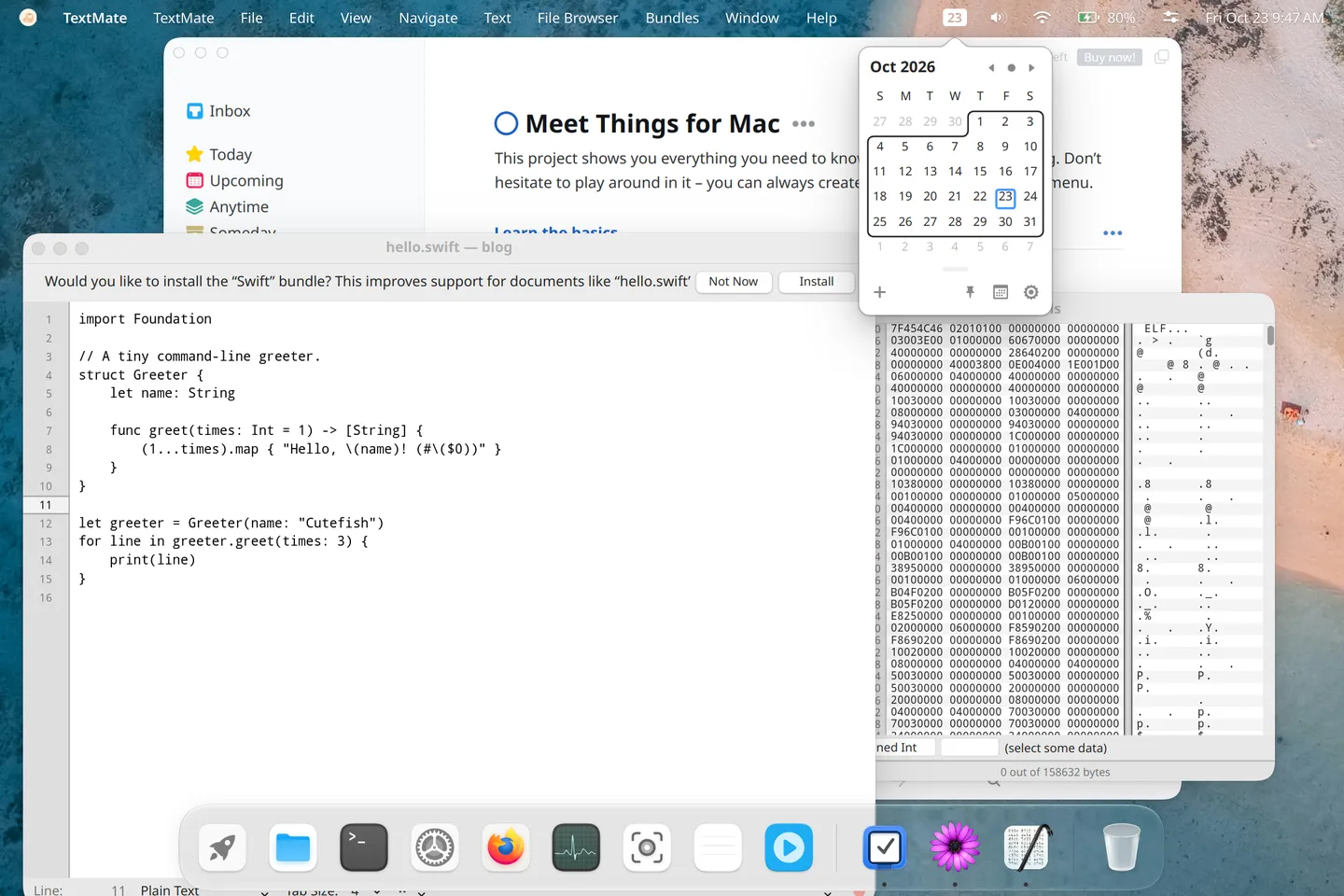
Every app in this screenshot is a Mac app. We did not modify or recompile any of them for Linux. They are the same downloads a Mac user would get.
Why this is hard
A Mac app does very little on its own. To open a window, show a menu, draw a line of text or work out what day it is, it calls into macOS: AppKit for windows and controls, Foundation for text, dates and files, Core Graphics for drawing, SwiftUI for newer interfaces, and dozens of other frameworks.
None of that exists on Linux. To run a Mac app we have to provide all of it ourselves, and it has to behave the way macOS does. When our answer is even slightly off, the app lays out its window wrong, draws nothing, or crashes.
In practice that means writing our own version of a large part of macOS’s programming interfaces. We call it Reef. It is over 300,000 lines of code across more than 70 frameworks, and AppKit and Foundation alone are over 70,000 lines each. Underneath sit a loader for Mac programs (they use a different binary format, Mach-O), an Objective-C runtime, support for Swift and a low-level system library. Even so, this covers only part of macOS, which has tens of thousands of these functions.
How we work
Nobody knows exactly which parts of macOS a given app needs, so we can’t write everything up front. We go app by app. We run a real Mac app and look at where it breaks: a missing function, a window drawn wrong, a button that does nothing. Then we work out what a Mac does there, implement it as a general feature rather than a fix for that one app, add a test, and run the app again.
Each app makes the next one easier, since apps share most of what they use. But how much is left is genuinely unknown. The next app can always reach for something nobody has used yet.
Some of what we run into:
- A drop-down and the label beside it should share a text baseline. We measured the baseline from a slightly different edge than macOS does, and the drop-downs in settings windows sat a few points off their labels.
- macOS tints an image automatically when its name ends in “Template”. We didn’t, and one app’s window buttons came out as thick black rings.
- Asking for a redraw while a window is being prepared for drawing shouldn’t trigger another one. In our code it did, and an idle window was redrawing more than a hundred times a second.
- Apps check which version of macOS they’re on and change their behaviour, so every version difference is a decision for us.
- Newer apps use SwiftUI, whose internals Apple doesn’t publish. We build it from the documentation and compare our output with a real Mac, pixel by pixel.
Part of the desktop
Mac apps use the same building blocks as every other Cutefish app. Our graphics toolkit draws their windows, text and controls. Our compositor gives them the same shadows, outlines and animations as other windows, and their menus get the same glass. Our shell puts their menus in the Cutefish menu bar, their icons in the Dock and their entries in the launcher.
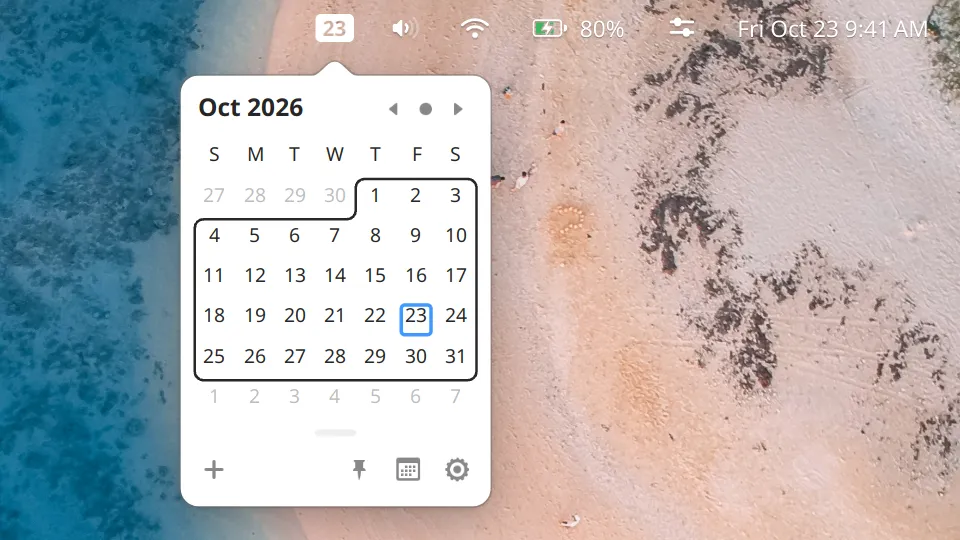
Menu bar apps were the real test. On a Mac, Itsycal draws a small icon with the date in the menu bar and drops a calendar from it when you click. Cutefish has status item support designed for exactly this: the app draws its own item at whatever width it needs, and its popup opens right underneath it.
What runs
Itsycal works completely: the date in the status bar, the calendar popup, the right-click menu and the settings window.
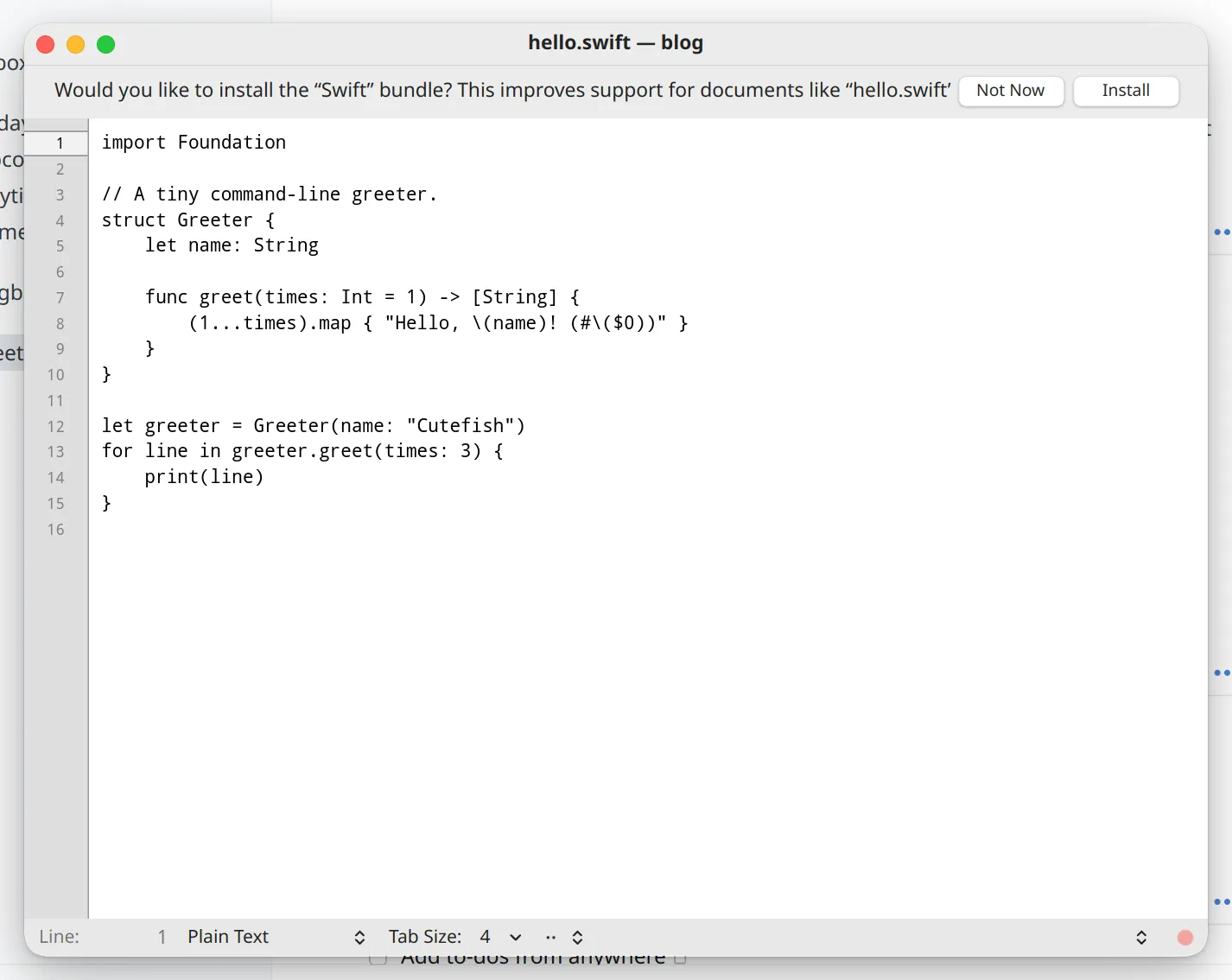
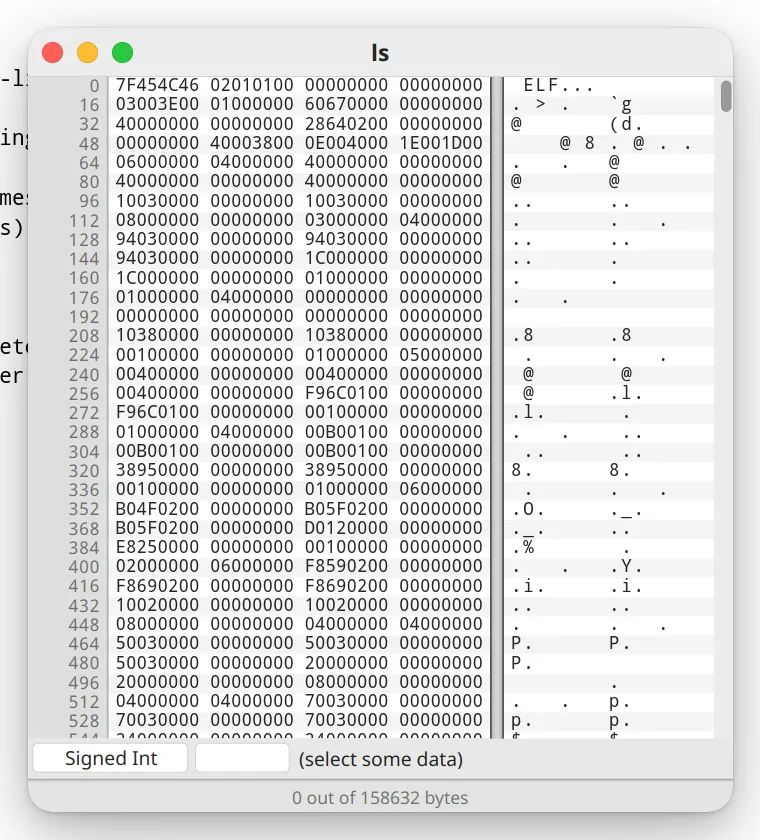
TextMate, the text editor, and Hex Fiend, the hex editor, open and edit files. Below, Hex Fiend is looking at a Linux program.
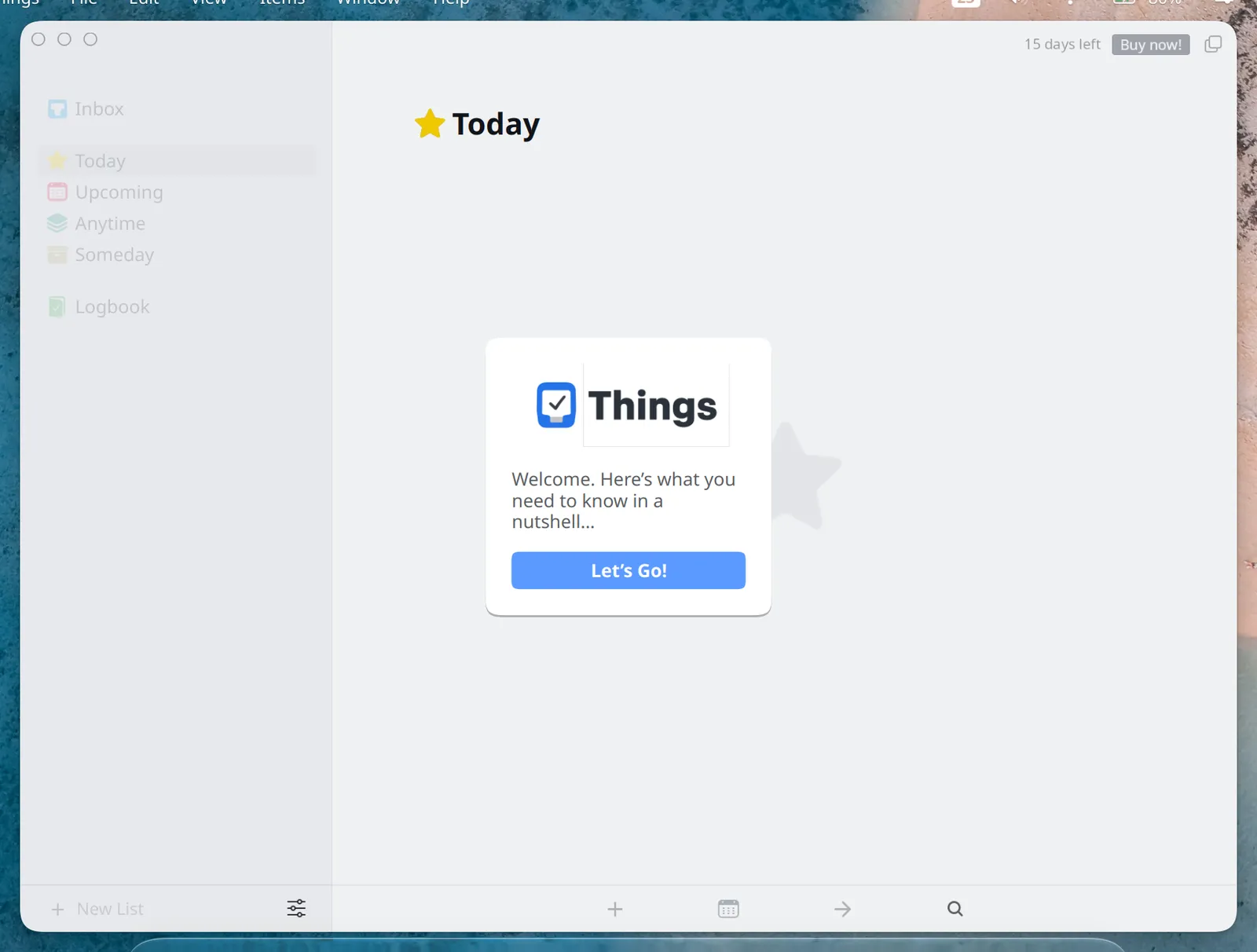
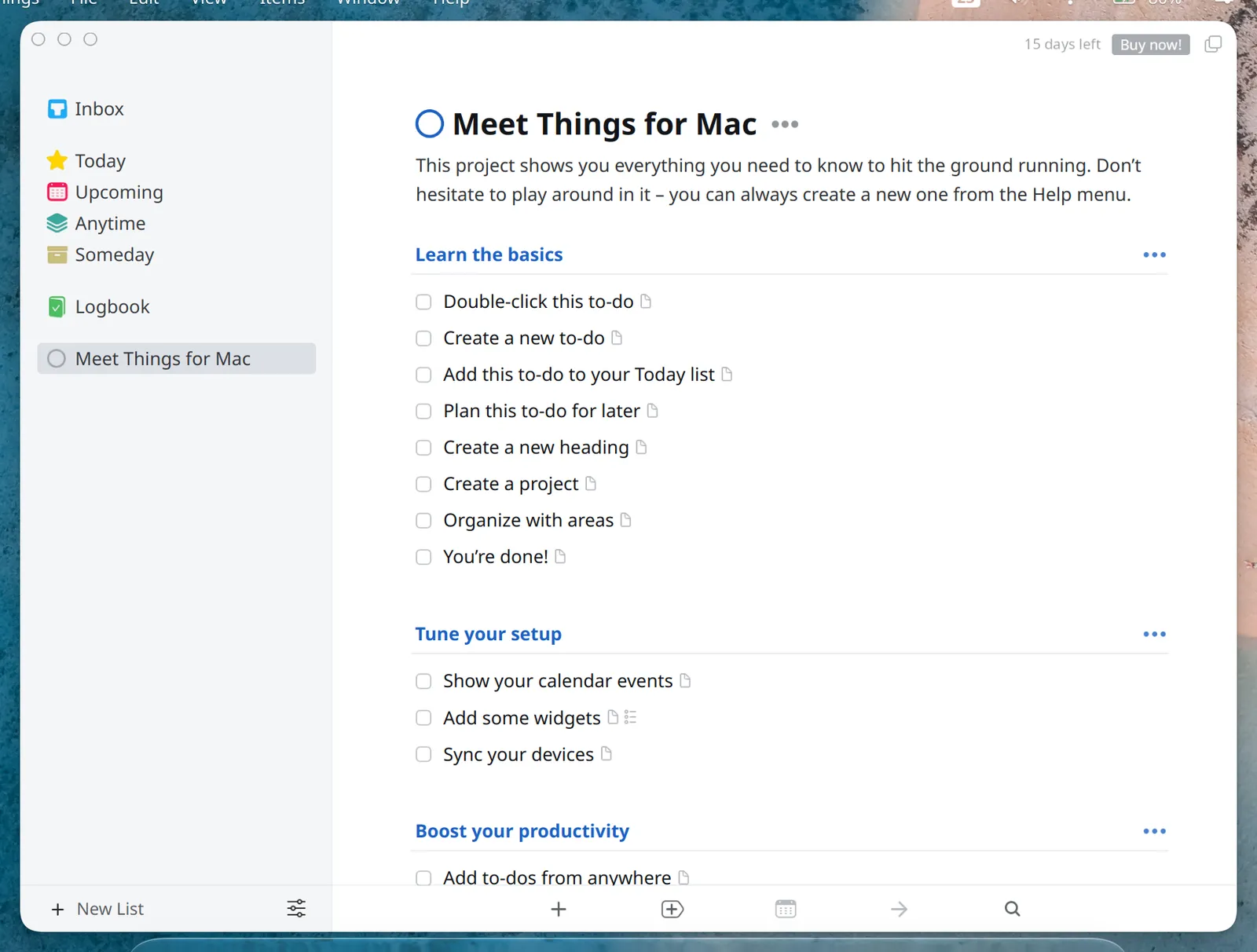
Things 3, the to-do app, runs, and parts of it are drawn by our own SwiftUI. It isn’t finished yet.
Where the code comes from
Reef is our own code. It doesn’t use code from Darling or from Wine. We don’t take apart or copy Apple’s closed macOS software, and we don’t use Apple’s developer kit. When we need to know how something should behave, we read Apple’s documentation, look at what the app is asking for, and compare with the same app running on a Mac.
We do build on the parts of its platform that Apple releases as open source. These are included in Reef under their own licences:
- Core Foundation, from swift-corelibs-foundation (Apache 2.0)
- Grand Central Dispatch, which apps use to run work in the background, from swift-corelibs-libdispatch (Apache 2.0)
- the Swift standard library and runtime, from swiftlang/swift (Apache 2.0)
- LZFSE, Apple’s compression format, from lzfse/lzfse (BSD 3-Clause)
We also read objc4, dyld, xnu and Libc from apple-oss-distributions to understand how the Mac behaves, without copying from them. Reef’s Objective-C runtime and loader are our own. Reef also includes LLVM’s libc++, libc++abi and libunwind, SQLite, curl and Tcl. Thanks to everyone behind these projects.
Darling and Wine
Darling is the best-known project for running macOS software on Linux, and Wine has done the same for Windows apps for decades. Wine isn’t an emulator. It reimplements the Windows programming interfaces, and Reef takes the same approach for the Mac, so “Wine for Mac apps” is a reasonable way to think about it.
The difference is mostly scope. Darling aims to run macOS software in general. It is well ahead of us on command-line tools and the system layer underneath, and it works on any Linux desktop. Wine runs a huge range of Windows software across Linux desktops. Reef only targets graphical Mac apps, only on Cutefish, and is built around Cutefish’s own toolkit, compositor and shell. Command-line tools aren’t something we’re aiming for.
We have a lot of respect for what both communities have built.
Is it open source?
Not for now. This is a large investment and a feature that sets Cutefish apart, and it needs to be protected while it grows. Opening it later is possible, for example once community sponsorship can sustain the work.
What’s next
More apps and more of SwiftUI, so that modern Mac apps work, and after that a web engine, which many apps depend on. We’ll write again when there’s more to show.