Your hands already know the way.
Cutefish is a Linux distribution for people at home on a Mac. Its desktop is entirely its own, from the compositor to the apps, and it is designed to look and feel the way your habits expect.
Version 1.0 · Nightly · amd64 & arm64
Bring the apps you already know
We are writing our own version of the frameworks these apps are built on, so they open on Cutefish unchanged. Ghostty, Speedtest, CotEditor, Keka, NetNewsWire and Itsycal already run on development builds, with their menus in the menu bar and their icons in the Dock.
How it works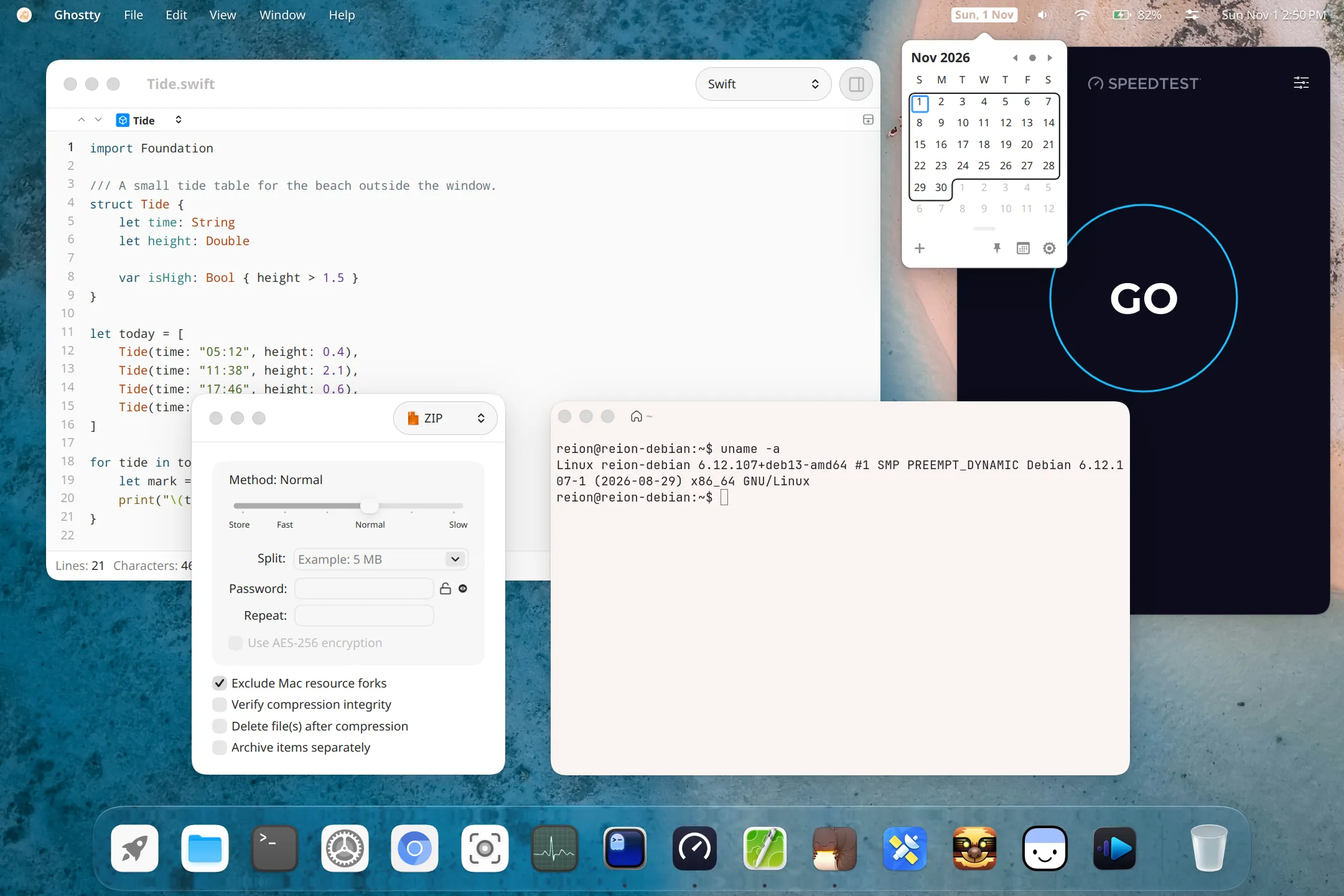
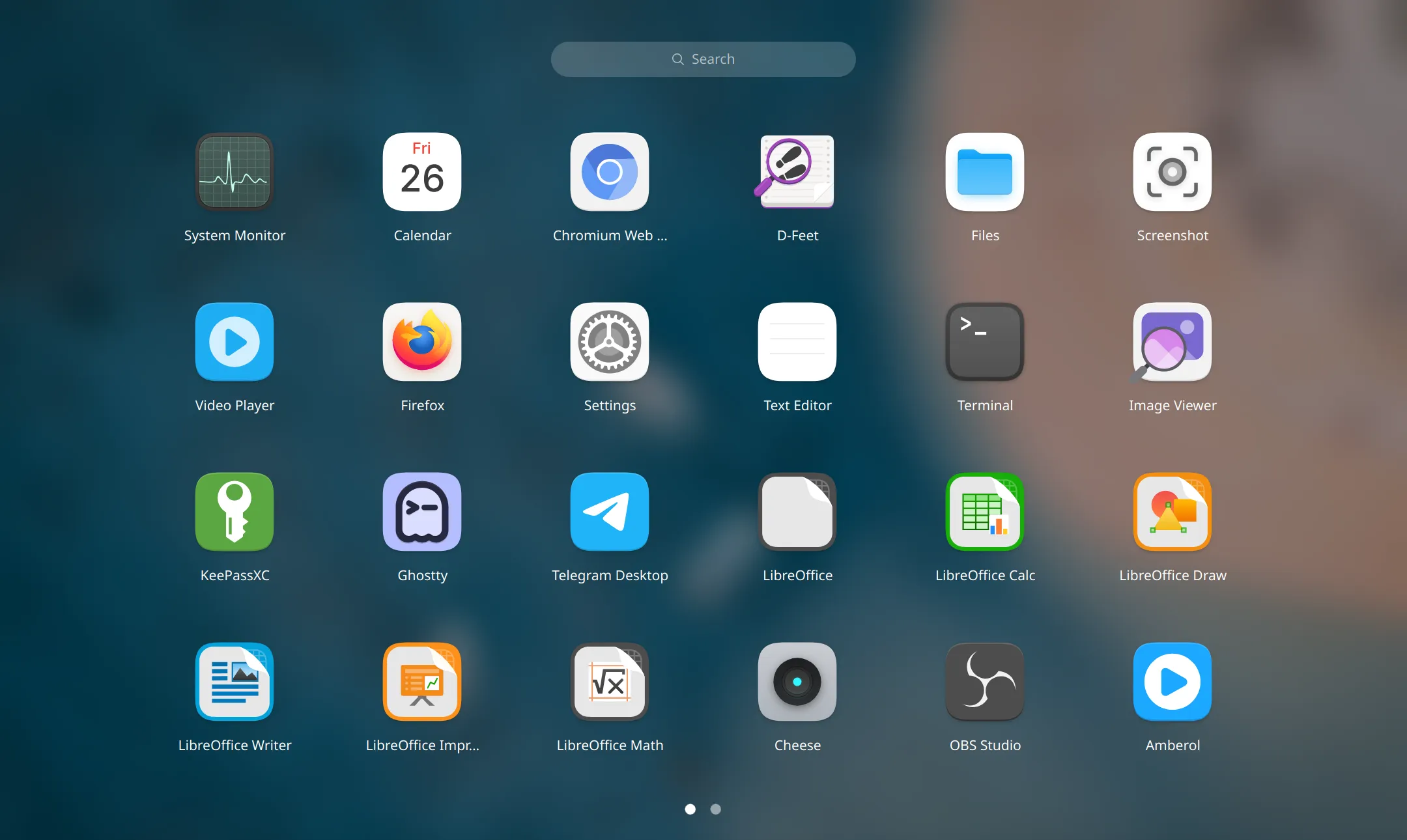
Launcher, Dock and desks
The launcher lays out every installed app in one grid with search at the top. The Dock holds your favourite and running apps. Spread your work over several desks, move between them with a three-finger swipe, and see every window and desk at once in the overview.
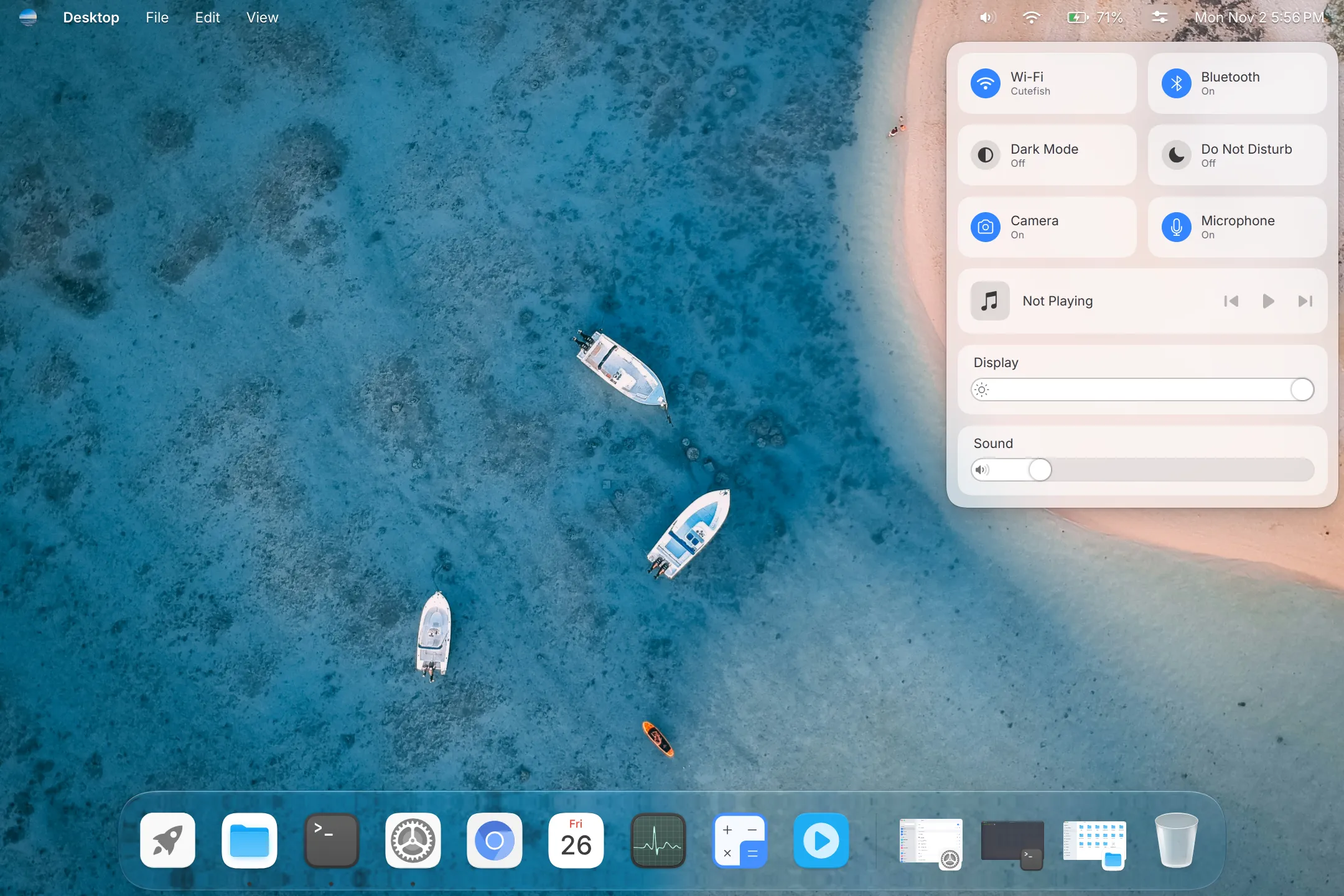
Agents can use it when you allow them
Claude Code, Codex and other agents that speak MCP can see the screen, click and type, through the compositor itself. Cutefish asks you first, a Stop button stays in the status bar while they work, and the moment you touch the pointer or keyboard they pause.
Set it up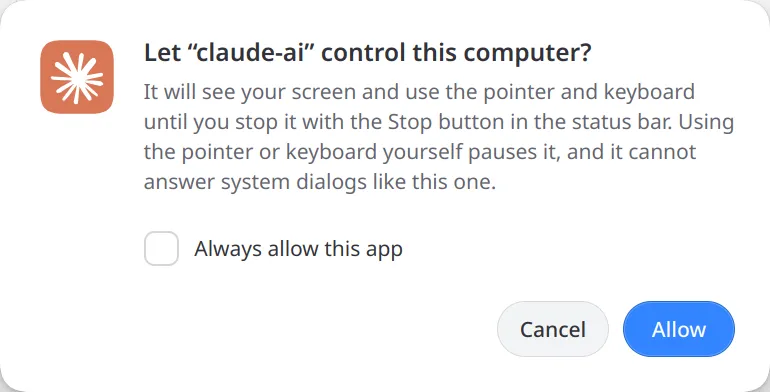
Made as one piece
cutefish-compositor draws the shell, window effects and animations itself, and the panels, menus and Dock blur the wallpaper behind them. Every application is built on cutefish-toolkit, a native C++ toolkit drawn with Skia. Files, Terminal, Settings, Calendar, System Monitor, Text Editor, Video Player and Screenshot come with the desktop.
About Cutefish