The first Cutefish ISO went up on October 20. A lot has changed since then. Here are the biggest changes.
17 languages
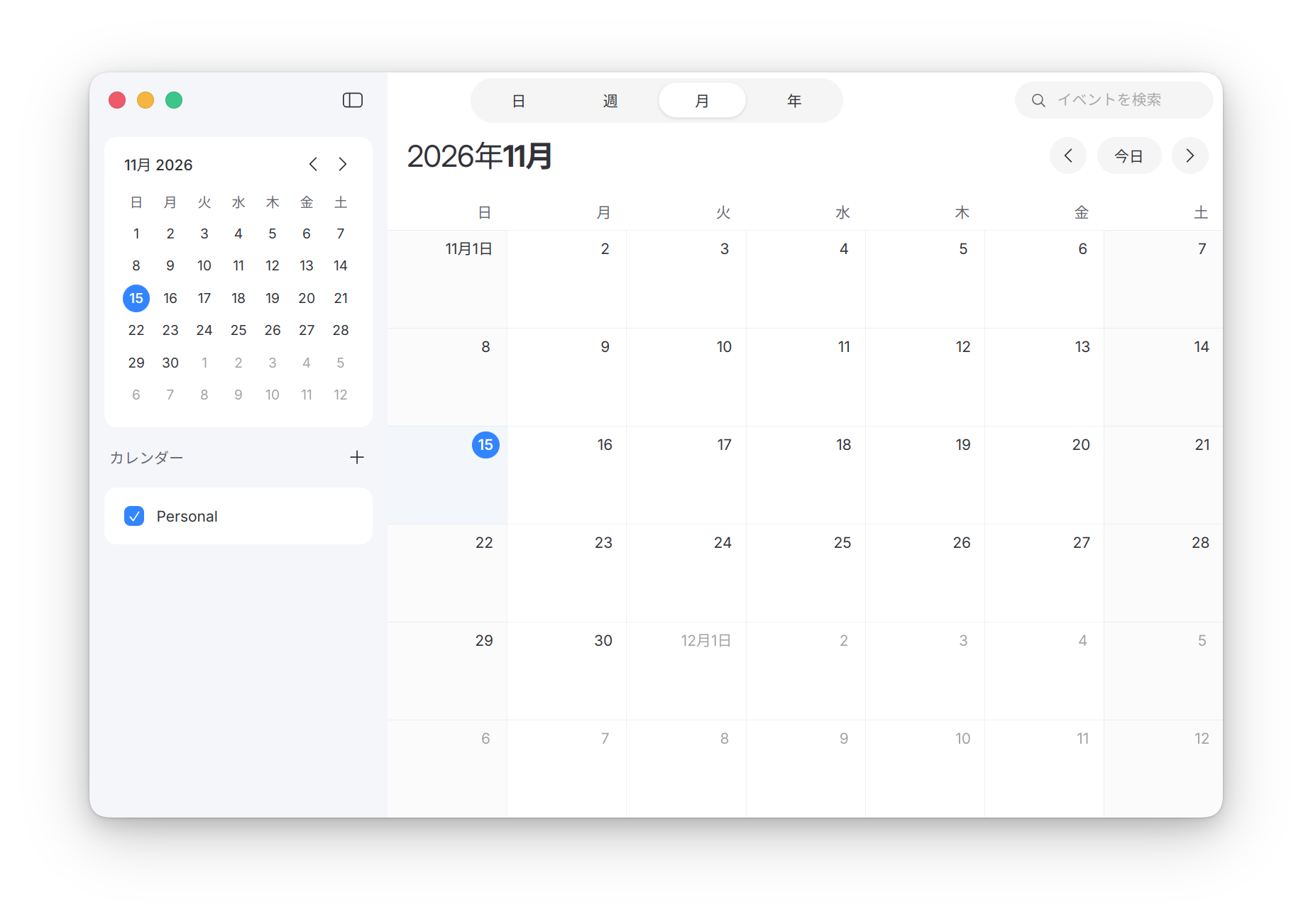
Cutefish now speaks 17 languages: English, Spanish, Brazilian Portuguese, French, German, Russian, Japanese, Korean, Italian, Polish, Czech, Indonesian, Vietnamese, Malay, and Chinese in three forms: Simplified, Traditional for Taiwan, and Traditional for Hong Kong.
Every part of the desktop is translated: the Dock, the menu bar, the launcher, Settings, and every app that comes with Cutefish. If you change the language in Settings, open apps switch right away. You don’t have to log out. Dates, times and numbers follow your region, which you choose on the same Language & Region page.
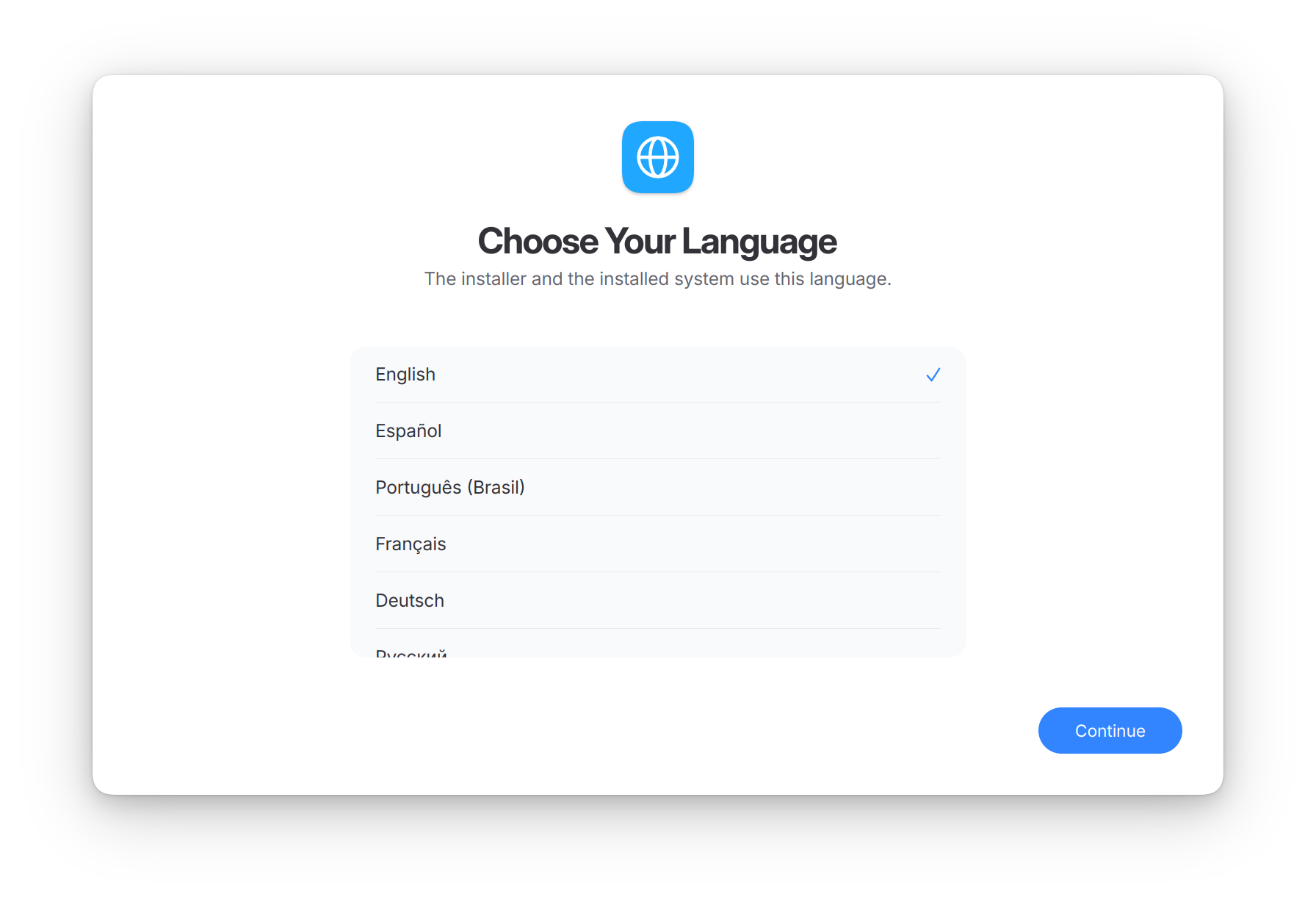
You can pick the language on the installer’s first screen, and the installed system starts in it.
If a translation reads wrong in your language, you can fix it with a pull request to that app’s repository on GitHub.
Preview
Preview is a new app for images and PDF documents. It opens PDFs with page thumbnails and the table of contents in the sidebar. You can search a document, select and copy its text, and follow its links. Images can be zoomed, panned and rotated. Rotating a JPEG keeps its quality, because the picture itself is not encoded again.
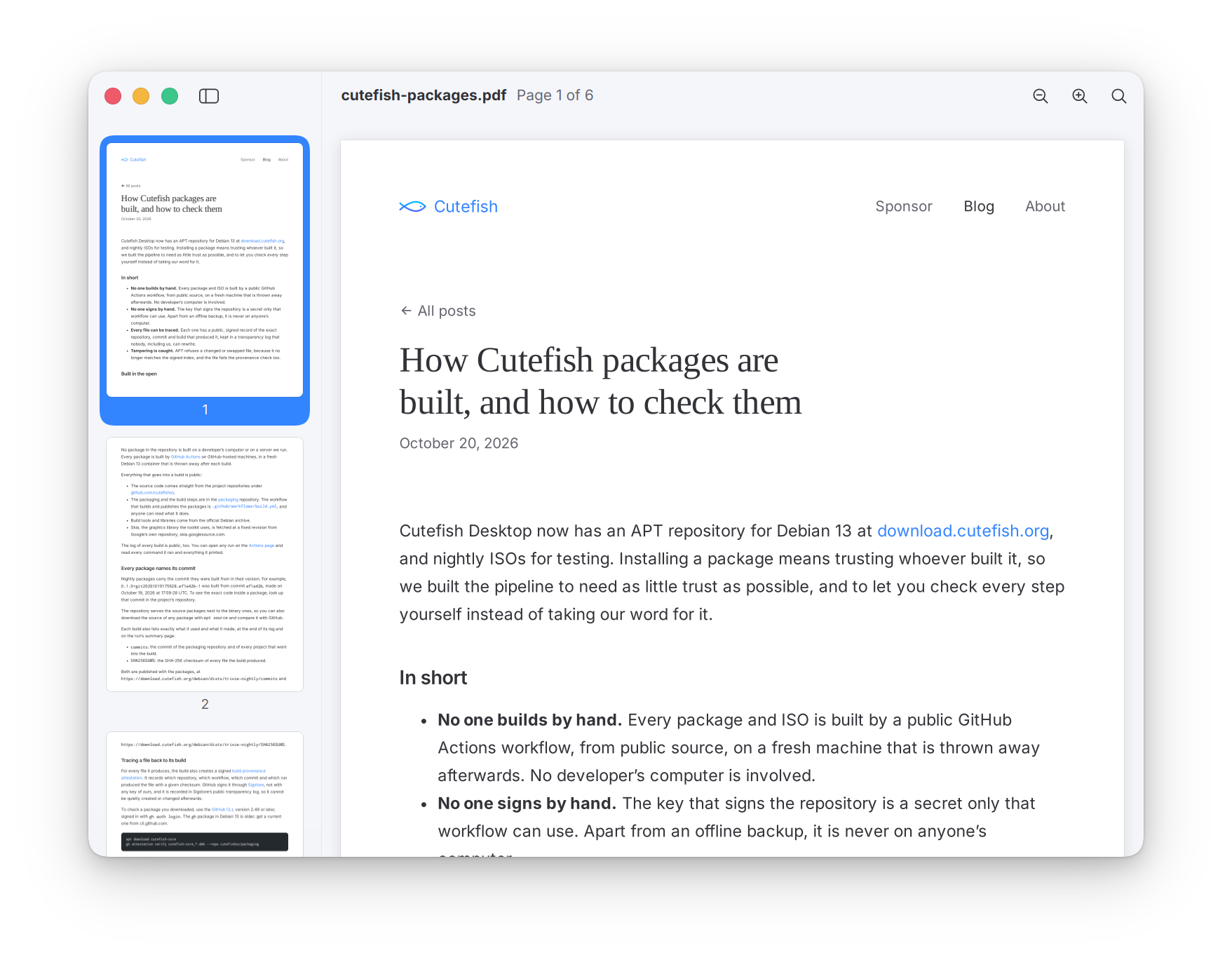
Preview is now the default app for images and PDFs.
Software updates
Cutefish checks for updates once a day. Settings has a new Software Update page that lists what is waiting. You can install updates there and keep working while they install, or let Cutefish install them the next time you restart.
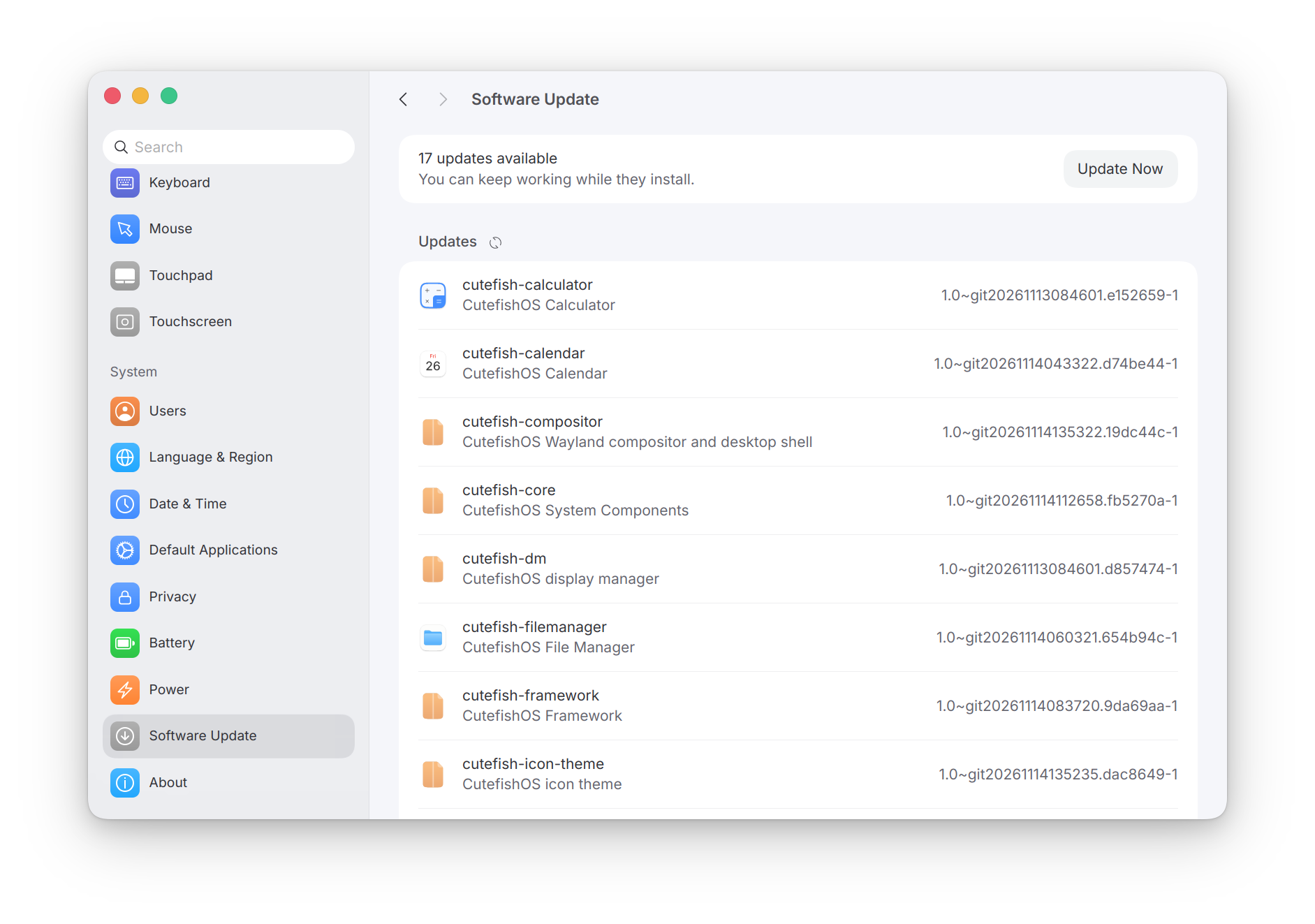
Our own installer
The ISO now comes with Cutefish’s own installer. It walks you through the language, the disk, your account and the time zone, and includes manual partitioning. There is also an ISO for arm64 computers now, next to the one for amd64.
Dock magnification
Dock icons can now grow as the pointer passes over them, and the icons around them grow a little less. Turn it on with the Magnification slider in Settings > Dock & Desktop.
The desktop
- Launcher folders. Drag one app onto another in the launcher to group them into a folder.
- Dock. An app’s icon hops while it starts.
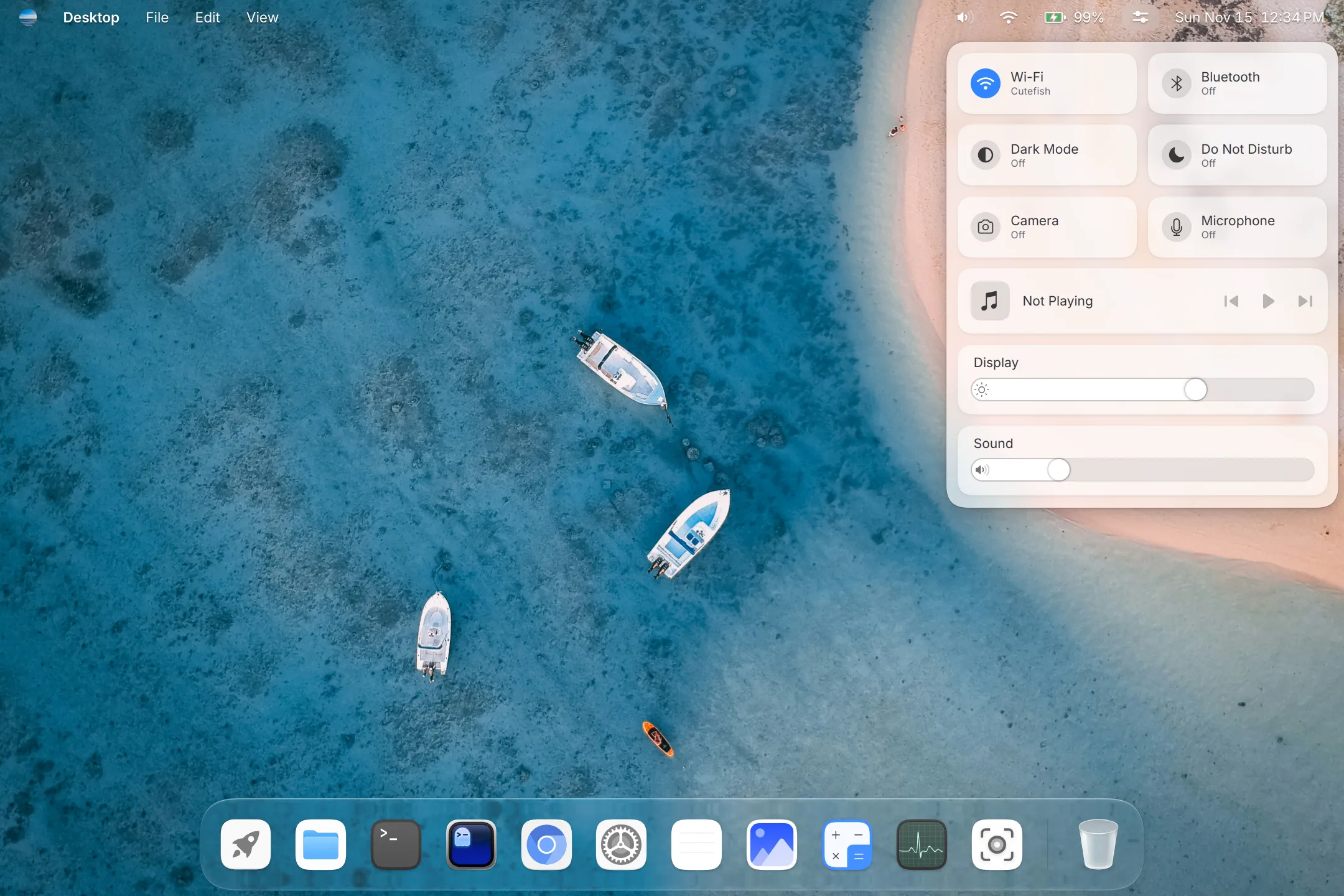
- Glass. The Dock, the menu bar, Control Center and menus share one glass look. Settings > Appearance sets how strongly it is tinted and blurred.
- App menus in the menu bar. Files, Terminal, Text Editor and the other apps now show their menus at the top of the screen.
- Calculator. A new keypad with round keys.
- Startup. A new boot menu theme and a new splash screen with the Cutefish logo.
Try it
Nightly ISOs and the APT repository for Debian 13 are at download.cutefish.org. If you already run Cutefish, an update brings all of this to you.