Ten days ago we wrote about Reef, the part of Cutefish that runs apps made for the Mac. Today it reaches its first milestone. Real Mac apps install from the same disk images a Mac user downloads, and run completely on Cutefish: a text editor, a terminal, a feed reader, an archive utility and a speed test. Here is what that took, and what changed along the way.
More apps run
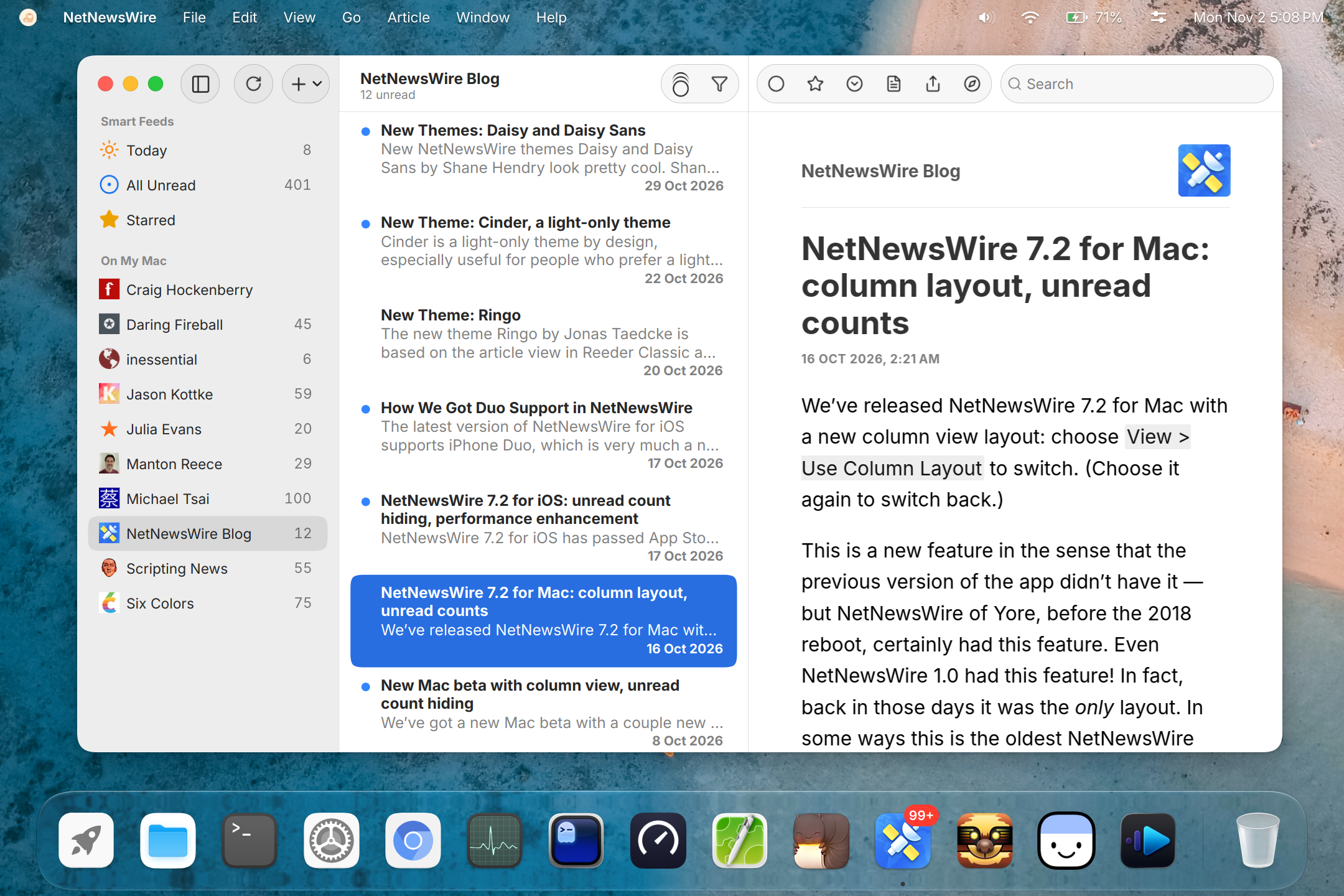
NetNewsWire, the feed reader, runs completely: the sidebar, the article list, the article view, the toolbar, swipe actions, adding and refreshing feeds, all three settings panes, and the unread count on its Dock icon. Its articles are drawn by a real web engine, which Reef didn’t have ten days ago.
Ghostty, the terminal, runs with its Metal renderer, its inspector and custom shaders. It got a post of its own: The Mac version of Ghostty, on Linux.
Open a Mac app from the Dock and its icon hops once while the app starts, the same as every other app on Cutefish. Here it is with Ghostty, first at normal speed, then up close and slowed down four times.
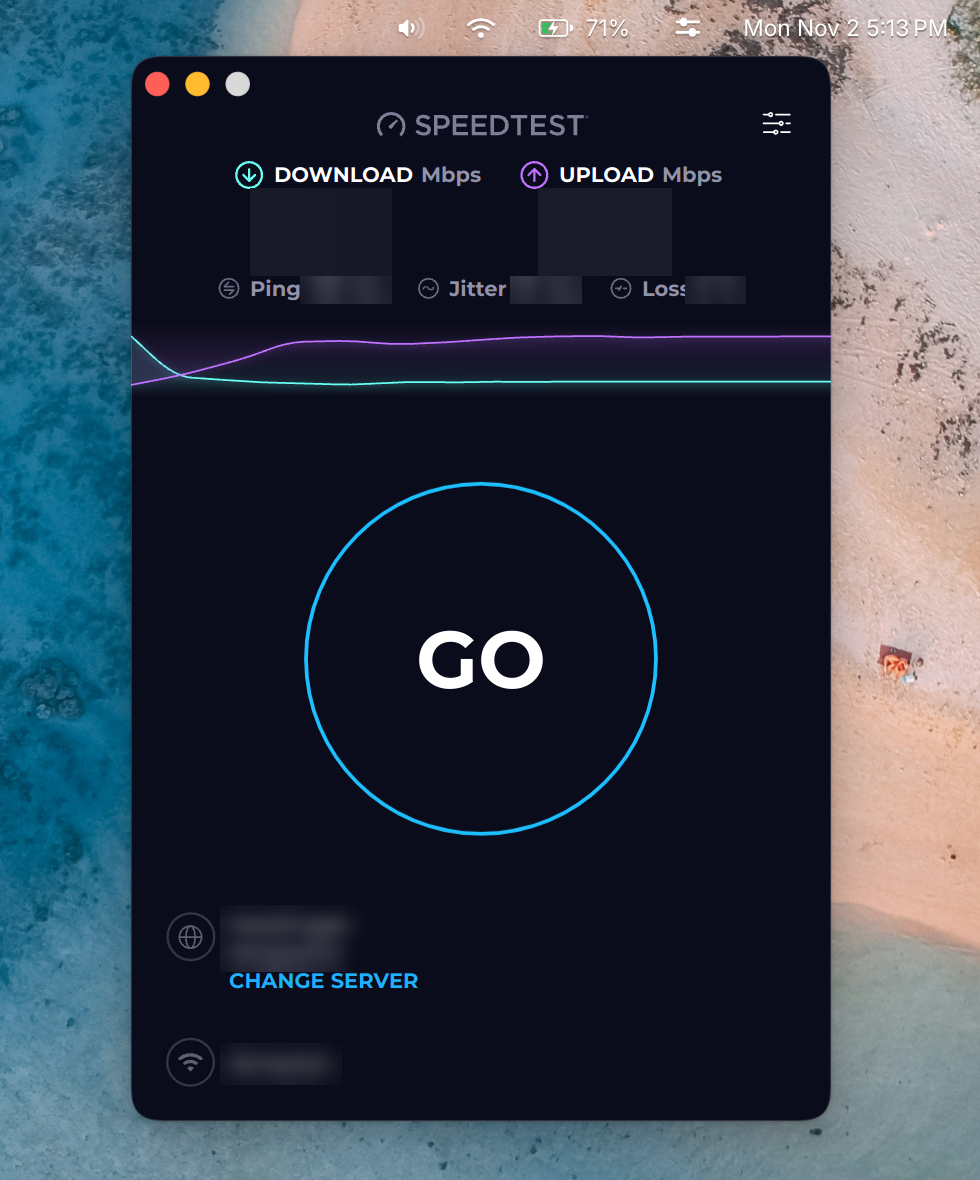
Keka, the archive utility, compresses and extracts zip and tar.gz archives.
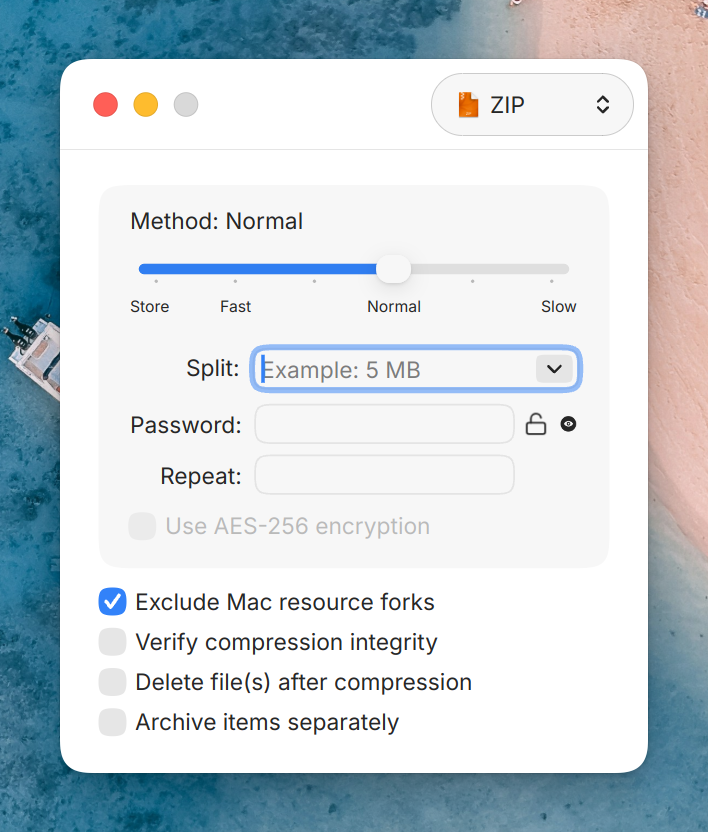
Speedtest by Ookla runs a full test (latency, download, upload, packet loss) and keeps a history of past results. In the screenshot we blurred our results, the test server and our provider.
CotEditor, which mostly worked last time, now remembers its windows. Quit it with untitled documents still open, and they come back, text and all, the next time you open it. Its windows can also be grouped into tabs and go full screen, with the menu bar sliding in when you move the pointer to the top of the screen.
Installing an app
Mac apps usually come as a disk image, a .dmg file. On Cutefish you
install them the same way you would on a Mac. Double-click the disk image
in Files and it opens under Locations. Then drag the app into your
Applications folder. Files reads these images itself.
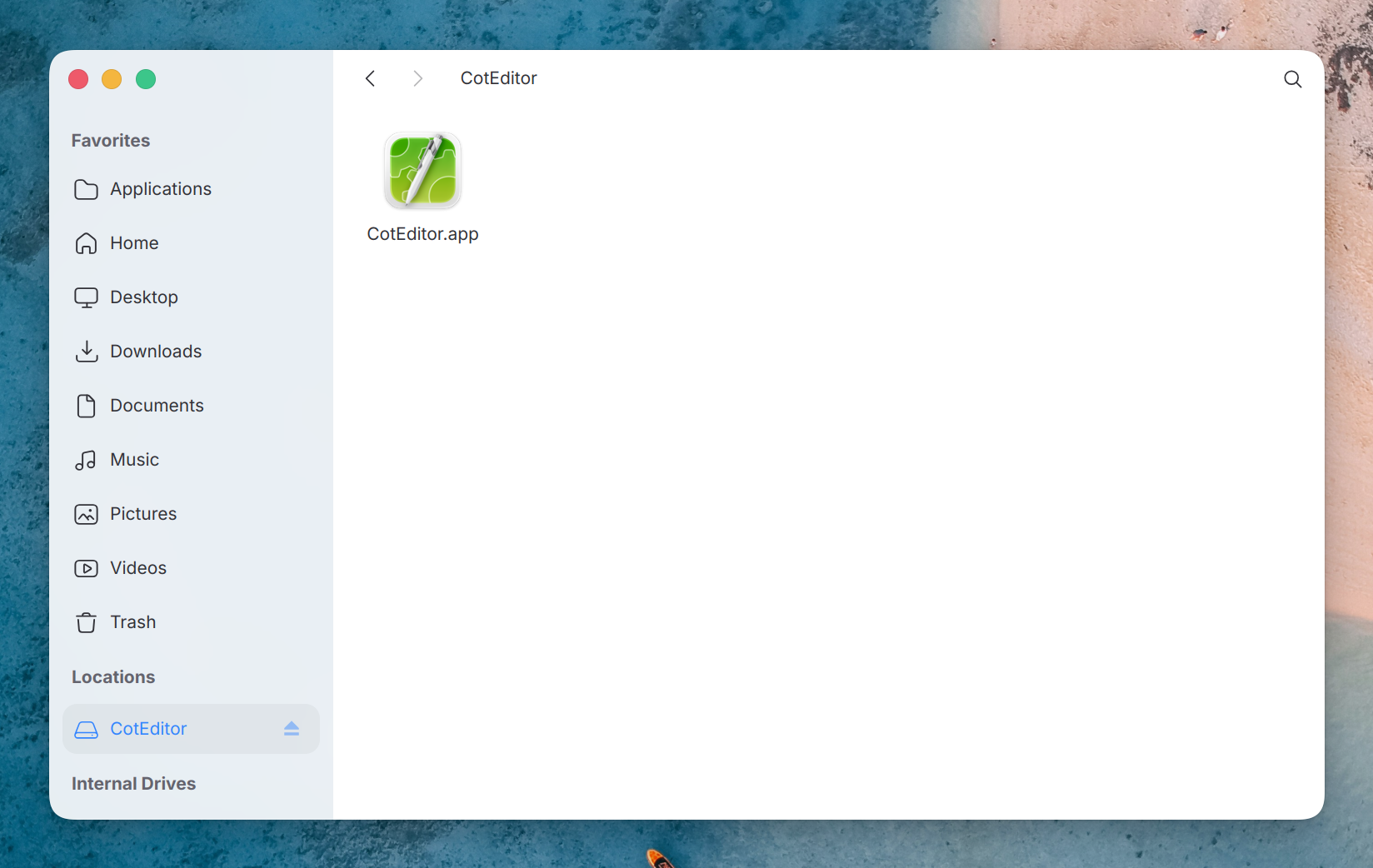
An installed app shows up in the launcher and can be pinned to the Dock. To remove it, drag it to the Trash. Nothing else is written anywhere: the folder is the app.
If an app needs something Reef can’t do yet, a dialog tells you so, instead of the app silently failing to open.
Opening your files
A Mac app tells the system which kinds of documents it can open. Cutefish reads that list, so once an app is installed, Files offers it for those documents, right next to the Linux apps. Right-click a Swift source file and choose Open with, and CotEditor is there:
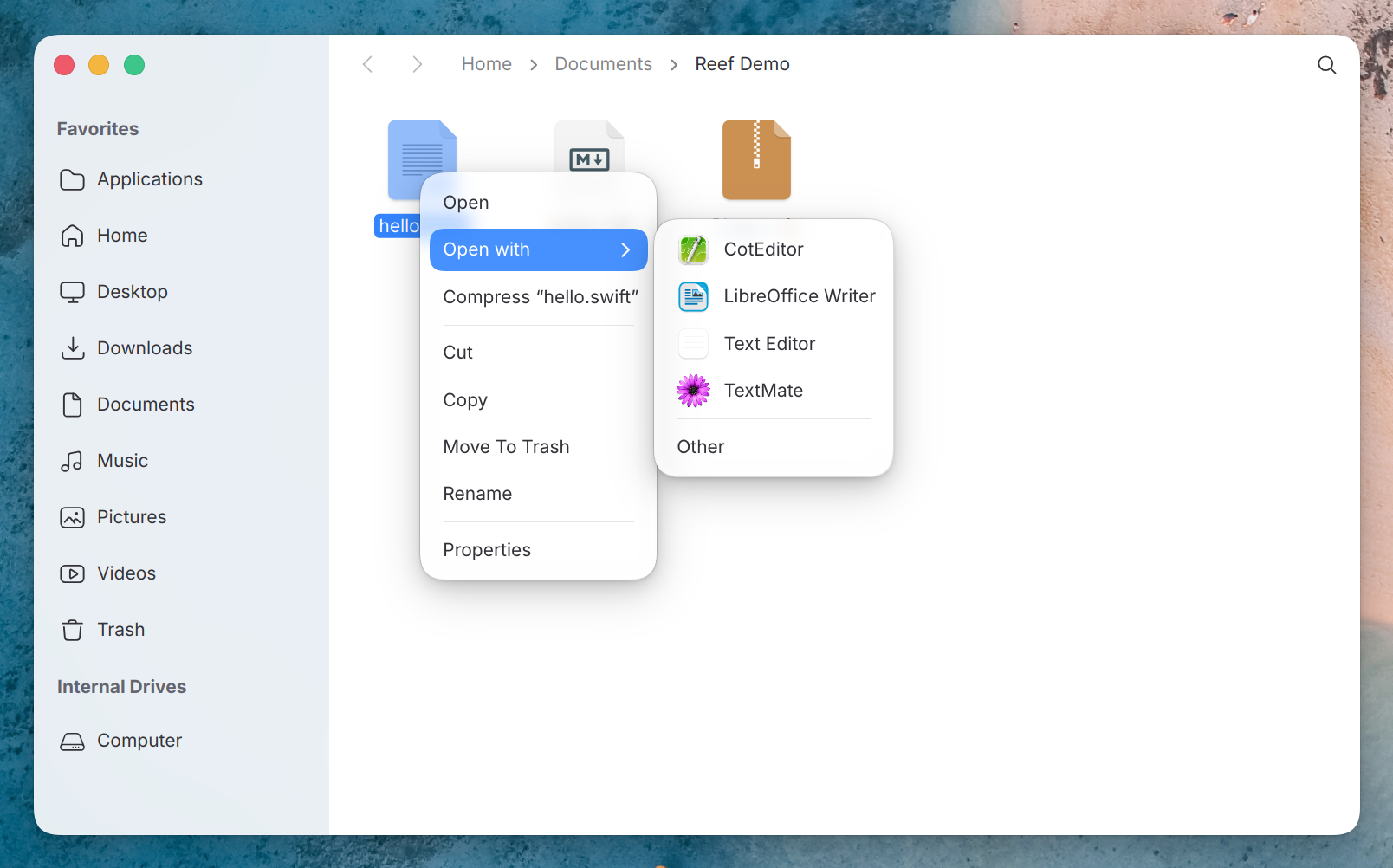
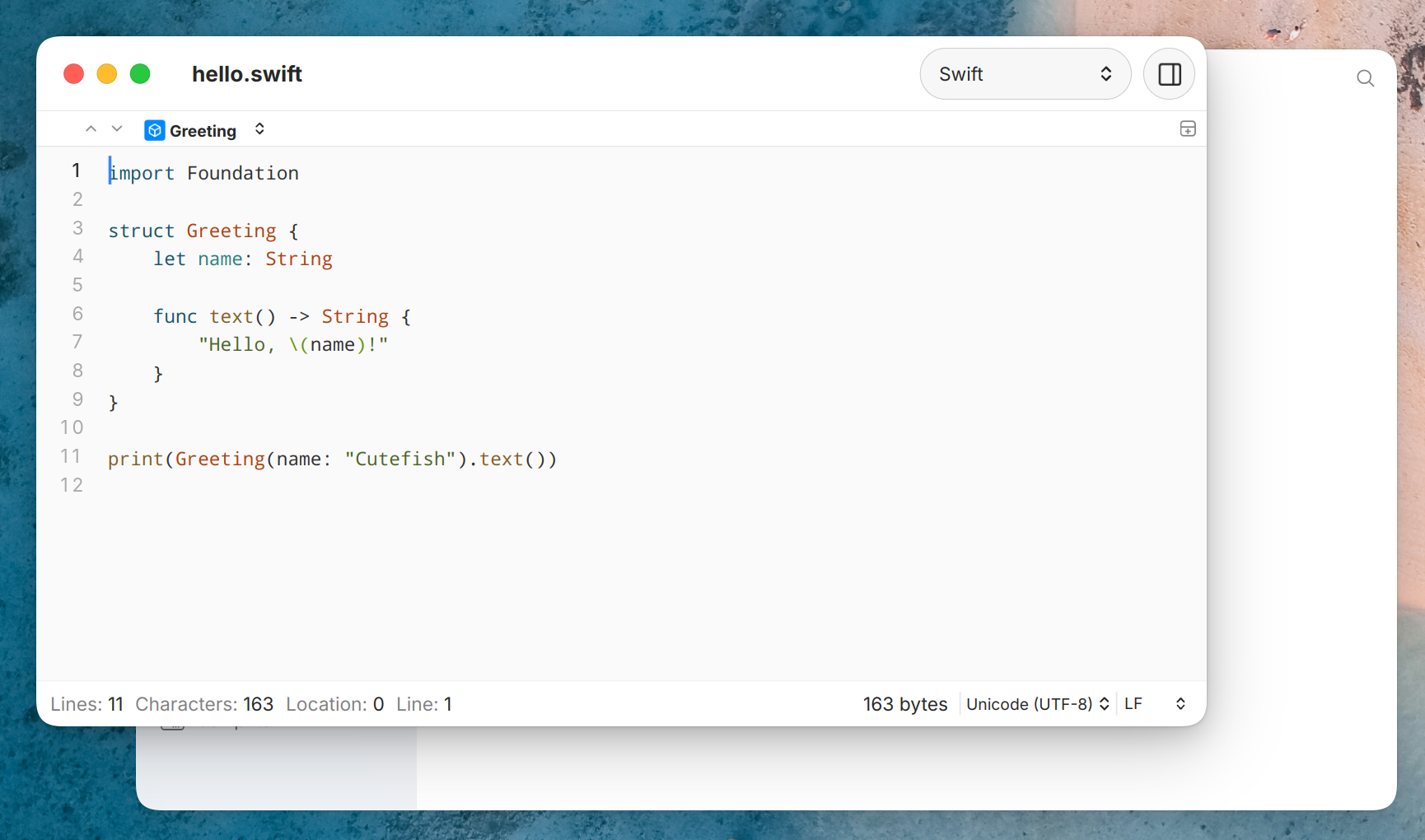
Choose it, and CotEditor opens the file with its syntax colouring, like any other editor would. If CotEditor is already running, the file opens in a new window of the same app.
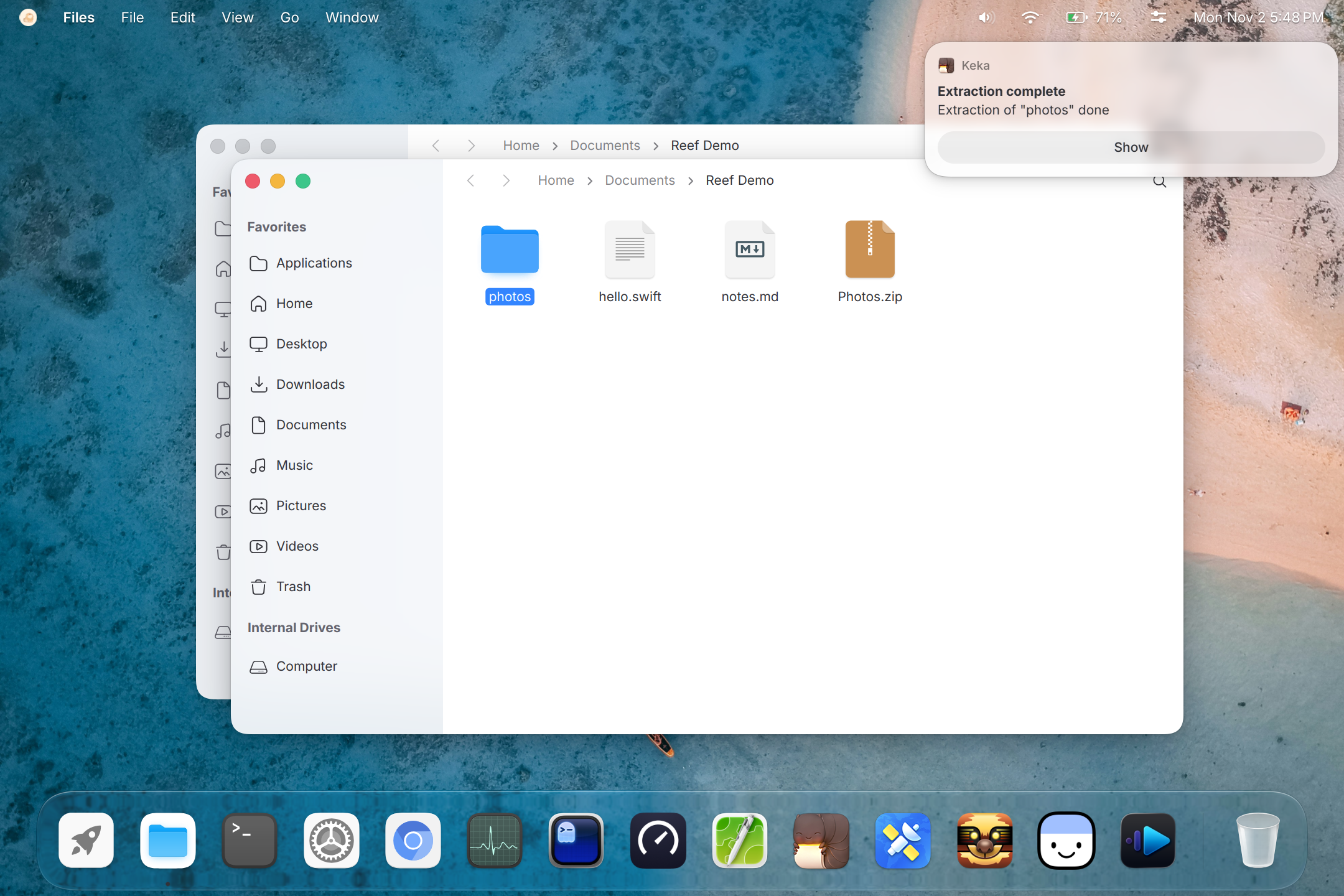
It works the same way for archives. Keka offers itself for a zip file:
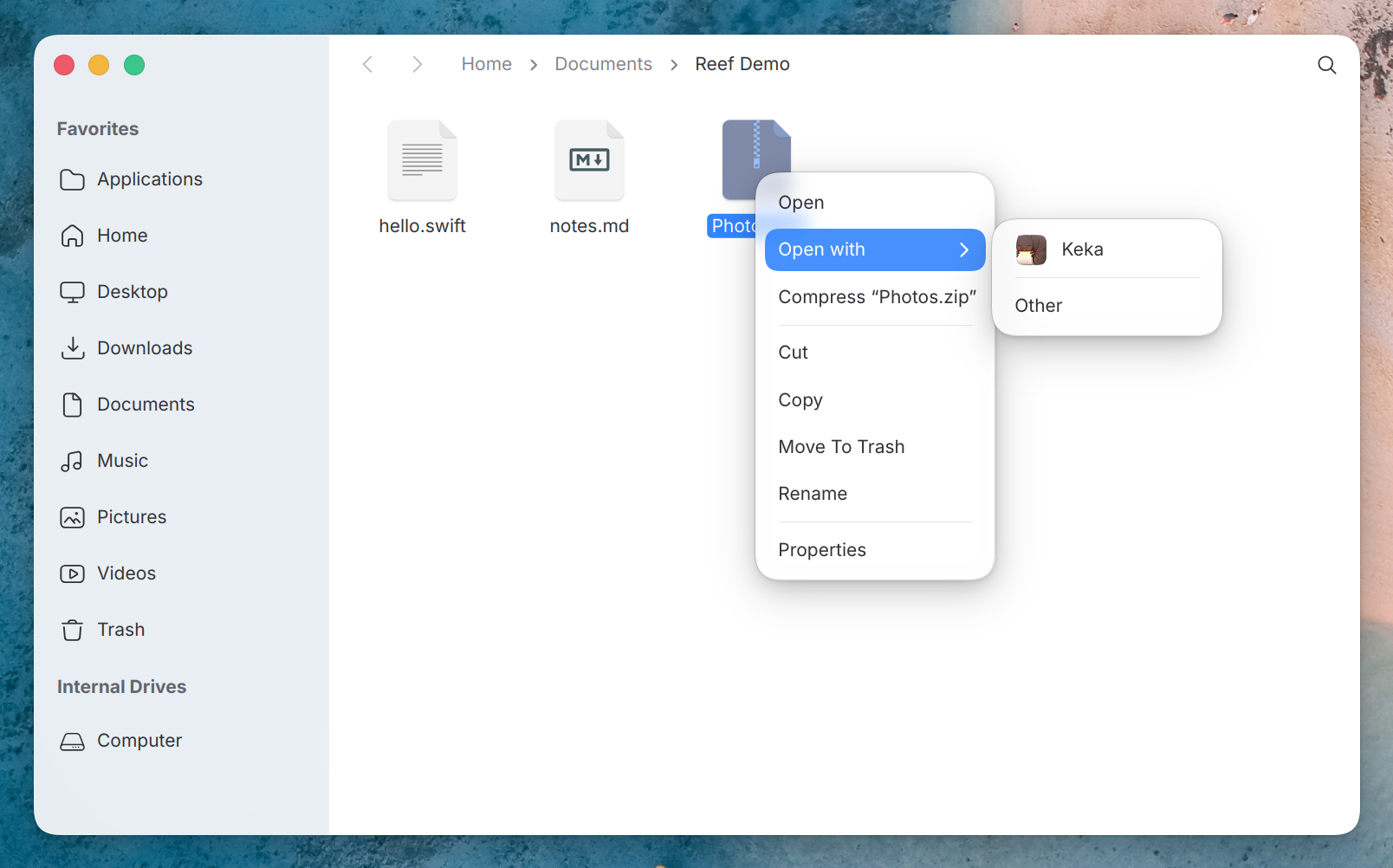
Keka extracts it, posts a Cutefish notification when it’s done, and shows the extracted folder in a Files window, the same steps it takes on a Mac.
What’s new underneath
Each new app needs parts of macOS that no earlier app used. These were the biggest:
- A web engine. Many Mac apps show part of their interface as a web page, through a web view. We ported WebKit, the open-source web engine, to Cutefish. The engine itself is WebKit’s own, and the layer that connects it to our display and input is ours. NetNewsWire is the first app to use it.
- Core Data, the database layer many Mac apps store their data in. It writes the same file format as on a Mac, with migrations between data model versions.
- Metal, the Mac’s graphics interface. Reef runs it on OpenGL and translates an app’s Metal shaders when they load.
- Network framework, which newer apps use to open connections and follow network changes.
- Window restoration and autosave, so apps come back the way you left them.
- Scrolling that follows the Mac’s wheel acceleration and touchpad momentum, so scrolling in a Mac app feels the way its developers expected.
All of this brings Reef to about 460,000 lines of our own code across more than 80 frameworks. It was 300,000 lines ten days ago.
Faster and lighter
We keep measuring Mac apps against Cutefish’s own apps on the same laptop. Some of the changes since the first post:
- A CotEditor frame while scrolling takes about 3 ms to draw, down from 4.4 ms. Cutefish Text Editor takes 1.2 ms.
- CotEditor stays responsive in a file of 100,000 lines. Before, typing in it froze the window. Now a key press reaches the screen in about 70 ms.
- CotEditor needs 146 MB of memory with a 20,000-line file open, down from 245 MB.
- Ghostty draws a frame of live window resizing in 2.4 ms instead of 6.7 ms. Closing one of its tabs now frees the tab’s memory and ends its shell.
- NetNewsWire, Ghostty and CotEditor open 10 to 40 ms sooner.
There’s still a gap to native apps, and we’re working on it.
What’s next
Reef will ship in Cutefish as soon as possible, so you can try these apps yourself.